
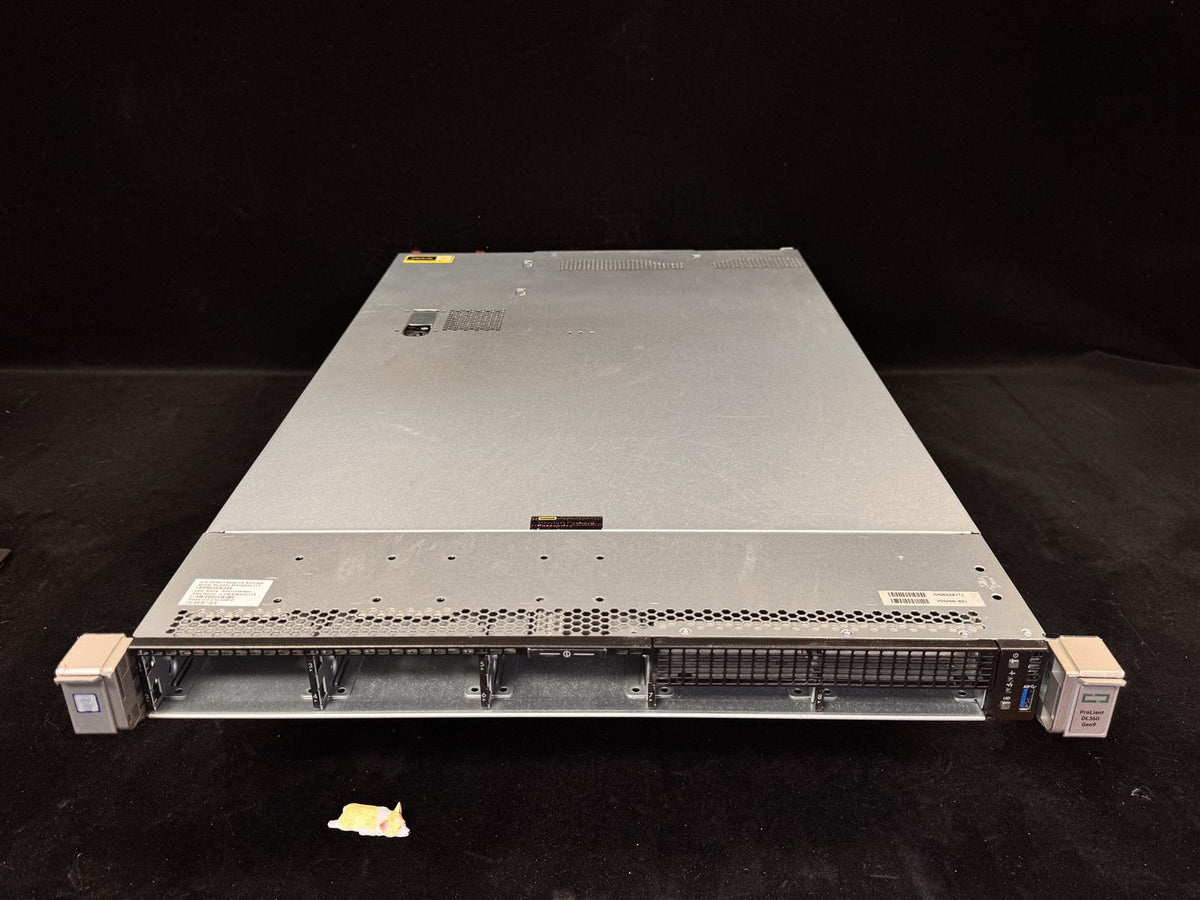
Buying memory for a server is not like buying memory for a desktop. Server platforms are stricter about what they'll accept, and the part numbers carry more information. This guide covers the five things that matter most: ECC, module type, ranks, speed, and generation — so you can match memory to your machine the first time.
ECC: Error-Correcting Memory
ECC (Error-Correcting Code) memory can detect and correct single-bit errors in data as it is read and written. For a server that runs around the clock, this prevents a whole class of silent data corruption and random crashes.
Practically speaking: virtually all server memory is ECC, and most server platforms require it. Standard non-ECC desktop UDIMMs generally will not work in a server at all — the machine will refuse to boot or won't see the modules. When shopping, if the listing doesn't say ECC, assume it's not server memory.
RDIMM vs LRDIMM: The Two Main Module Types
Both are registered (buffered) ECC modules, but they buffer the signals differently:
- RDIMM (Registered DIMM) — a register buffers the command and address signals. This is the most common server memory type and the default choice for most configurations.
- LRDIMM (Load-Reduced DIMM) — additional buffering reduces the electrical load on the memory controller, which allows higher total capacities per channel — more and larger modules in the same system.
The critical rule: RDIMMs and LRDIMMs cannot be mixed in the same server. A system runs one type or the other. Before buying, check what is already installed (or what your build plan specifies) and match it. If you're starting from an empty machine, the server's documentation will state which type it supports and in what combinations.
Also note the third type you'll see in listings, UDIMM — unbuffered, typically for workstations and entry-level servers only. UDIMMs don't mix with RDIMMs either.
Ranks: What 1Rx4 and 2Rx4 Mean
A "rank" is a set of memory chips on the module that the controller accesses together. The label on a module encodes it:
- 1Rx4 — single rank, x4 chip organization
- 2Rx4 — dual rank, x4 organization
- 2Rx8 — dual rank, x8 organization
For the same capacity, a dual-rank module and a single-rank module hold the same amount of data; the difference is internal organization, and it has a modest effect on performance in some workloads. What matters for buying:
- Platforms have rules about ranks per channel — a fully populated system may only accept certain rank combinations.
- Mixing ranks in the same channel is sometimes allowed but constrained; the safest approach is to keep modules within a channel identical, and ideally keep the entire system identical.
- The rank is printed on the label, so check it against your server's memory population guidelines before ordering a full set.
Speed and Generation: DDR4 Is Not DDR5
Memory generations are physically and electrically incompatible. A DDR4 module cannot go into a DDR5 slot and vice versa — the notch position differs, so it won't even seat. Match the generation to your platform: for example, Intel Xeon Scalable 1st/2nd generation and AMD EPYC 7002/7003 systems use DDR4, while newer platforms use DDR5.
Within a generation, speed is rated in MT/s (for example DDR4-2400, DDR4-2666, DDR4-3200). Two things to know:
- If you mix speeds, everything runs at the speed of the slowest module — and the platform may downclock further when many modules are installed per channel.
- The CPU also caps memory speed. A faster module in a system whose processor supports a lower maximum will simply run at the processor's limit.
Before You Buy: A Short Checklist
- Confirm the generation (DDR4 or DDR5) for your exact server model and CPU.
- Confirm the module type your system uses — RDIMM or LRDIMM — and check what's already installed if you're adding to an existing machine.
- Check total capacity and slot count. Servers have a fixed number of DIMM slots per CPU, and each platform has a maximum supported capacity per module and per system. Dual-CPU systems generally require memory installed for both processors, balanced across them.
- Check the rank and speed against the vendor's memory population guide for your model, especially for large configurations.
- Buy matched modules for a channel or system whenever possible — same part number, capacity, rank, and speed. It removes most compatibility surprises.
Getting these five details right takes a few minutes and prevents the most common memory returns we see: right capacity, wrong type.
Not sure which modules your server takes? Send us the server model and your target capacity — we'll confirm the correct part numbers before you order.


Leave a comment
This site is protected by hCaptcha and the hCaptcha Privacy Policy and Terms of Service apply.